
Bring Salesforce into the flow of Teams.
Built for Sales Enablement, Sales, Service, and Success — with deep Microsoft 365 / Microsoft Teams integration.
Get started
https://nflowapp.com/wp-content/uploads/2025/11/Microsoft-Teams-and-Salesforce-nFlow.mov



Product
Why nFlow
Teams users have lacked the seamless Salesforce experience Slack users enjoy. nFlow closes the gap by automatically creating the right spaces in Microsoft Teams, surfacing Salesforce updates where collaboration happens, and keeping everything aligned to your M365 governance.
Less app‑switching. More consistent execution. Enterprise‑ready.
Core Value

Connect
Put Salesforce records and enablement content (battlecards, talk tracks, ROI decks) into everyday Teams conversations. Reps see what to do and why—right where they work.
Automate
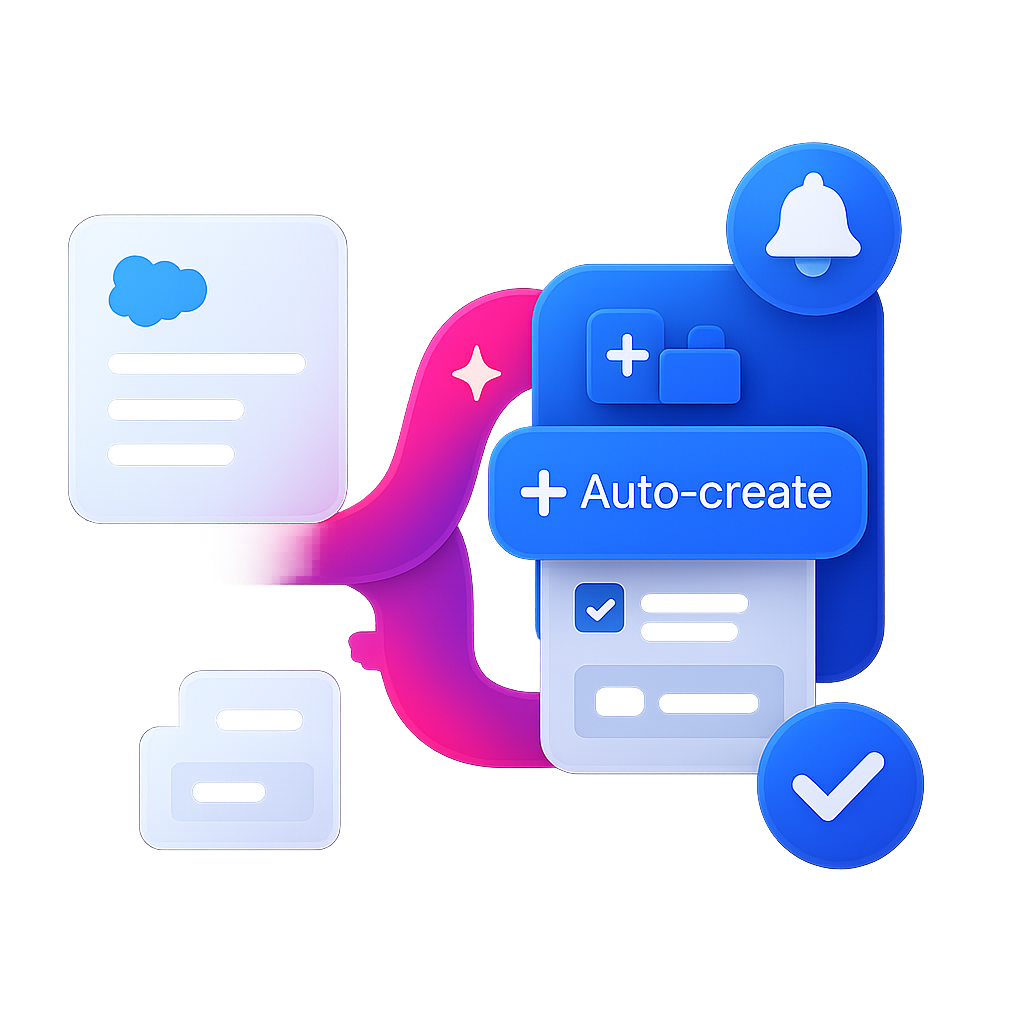
Auto‑create workspaces for deals, cases, and renewals; pin stage‑based checklists and templates; everything is triggered from Salesforce events so execution stays consistent.

Govern & Scale
Template‑driven standards (labels, access, tabs, assets) applied automatically. Auto‑archive when work is done. Roll out across regions and segments with confidence.

Product overview
One place to design, run, and track your Salesforce↔Teams workflows
Map a process once and let it run reliably across the tools your team already uses. Drag‑and‑drop steps, add conditions, and notify the right people — no code required.
✓ Reduce rep ramp time — put the playbook and Salesforce context right in Teams.
✓ Consistent execution — auto‑pin stage checklists, battlecards, and next steps to every workspace.
✓ Build and iterate without code — Enablement owns templates and updates, not IT.
✓ See and fix bottlenecks — run history and audit reveal where work stalls.
✓ Govern at scale — roles, permissions, and templates aligned to Microsoft 365.
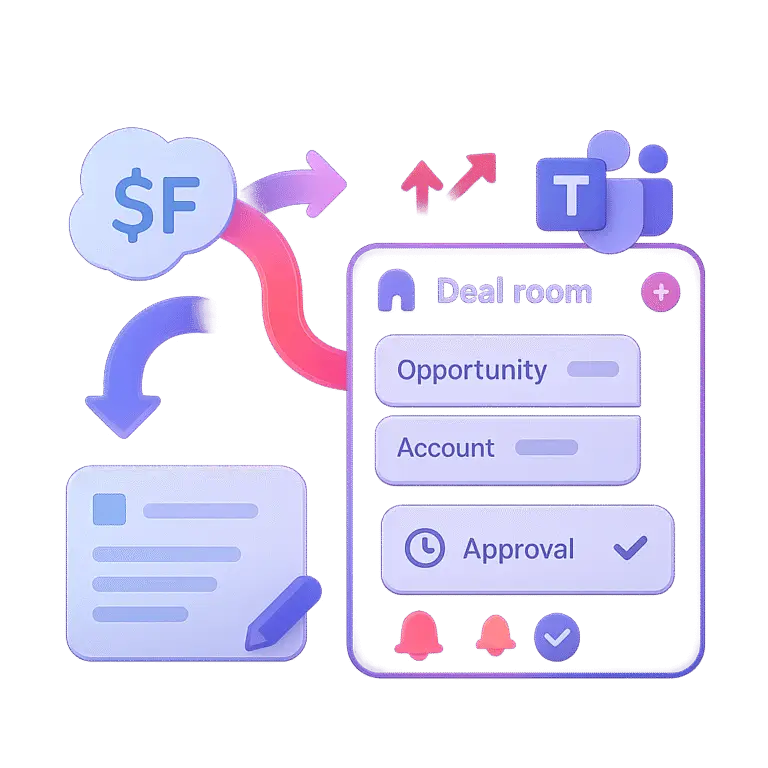
✓ Launch fast — Salesforce tabs (Opportunity, Account, Case) and assets are auto‑provisioned.
Start nFlow Now

Connect Salesforce & Microsoft Teams
Choose templates & rules per object (Opportunities, Accounts, Cases, Custom) — set triggers, advanced operators (AND/OR, equals, greater‑than), stage checklists, dynamic naming (e.g., {Account}-{OppName}-{Stage}), membership sync, and pinned tabs
Run & refine — monitor runs, improve playbooks, and let lifecycle policies auto‑archive closed workspaces; support Sandbox→Prod mapping for safe rollout
How it works
Turn Salesforce records into the right Microsoft Teams spaces in three simple steps—connect, define, and automate—so collaboration stays perfectly in sync with your process.
-
03
Steps
-
60
Seconds
-
00
Duplicates


Solutions

Sales Enablement
Own templates and Content. Pin battlecards, talk tracks, ROI calculators, and micro‑coaching links to every deal room automatically.
Sales
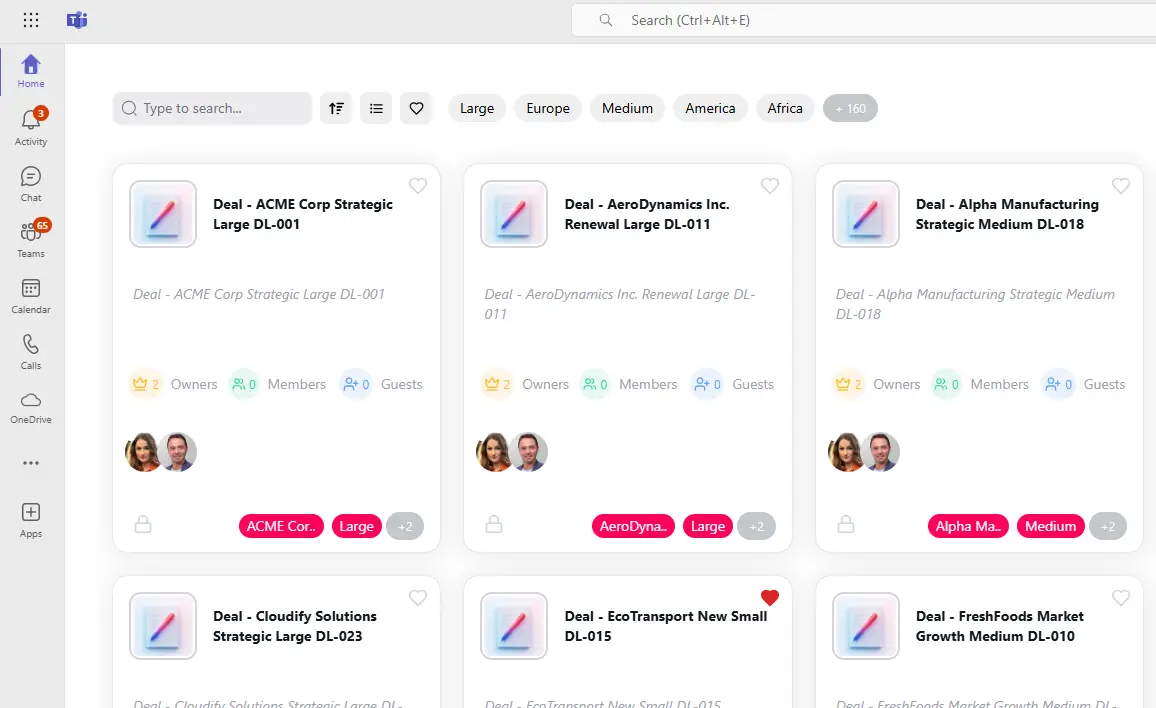
Auto‑create deal rooms in Microsoft Teams on opp creation or stage change. Pin Opportunity/Account tabs and enable quick field updates.

Customer Service
Spin up case channels from priority changes. Swarm escalation with clear owners and SLAs. Auto‑close channels or teams when cases resolve.

IT & Operations
Sensitivity labels, retention, and access policies and Lifecycle policies applied automatically. Template-driven provisioning for scale.
Security & reliability
- Soc 2 Type II Compliant, ISO 27001 Certified
- Least‑privilege model with Microsoft Graph and Salesforce
- Salesforce OAuth (sandbox & prod) with scoped access
- SSO via Azure AD and role‑based access controls
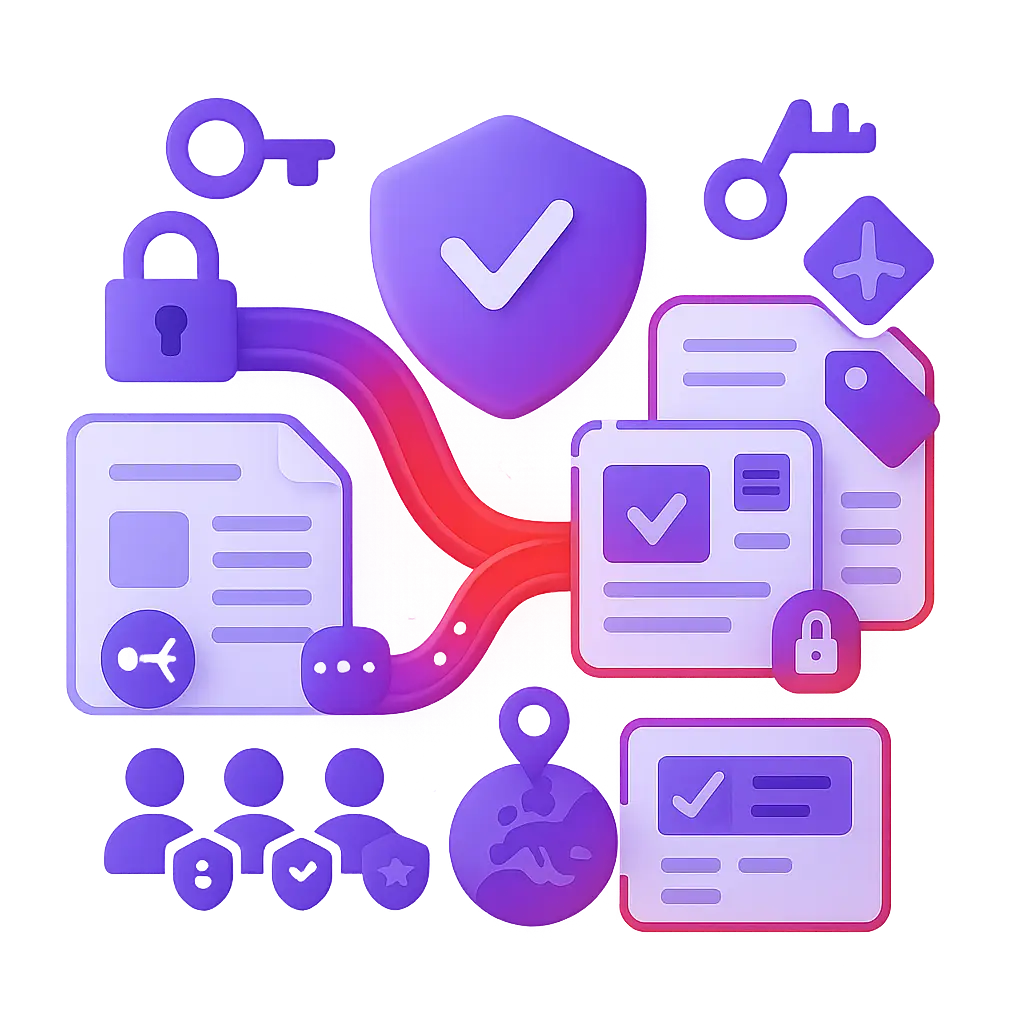
- Governance by design: sensitivity labels, team settings, membership rules, and lifecycle policies applied by template
- Encryption in transit & at rest, plus audit & logging for rules, requests, and outcomes
nFlow connects Salesforce with Microsoft Teams so teams can collaborate on deals, cases, and customers without constant app‑switching.
No. The visual builder lets you create and manage flows without code.
Microsoft’s Salesforce app has only the capanility of manually searching for records and pining them as Tabs. nFlow automates collaboration spaces provisioning with content, lifecycle based on Salesforce Events, and governance so you can deploy Salesforce–Teams collaboration at scale.
Yes — add approvals, required reviews, or manual steps wherever judgment is needed.
Yes — with role‑based admin, Enablement can own templates, stage checklists, and pinned assets without relying on IT.
It’s a matter of minutes. Connect Salesforce and Teams, choose templates, pilot with one group, then scale with governance.
Frequently Asked Questions (FAQs)
Welcome to our FAQ section, where you’ll find quick answers to the most common questions about our services, products, and policies. Whether you’re a new user or a returning customer, we’ve compiled this guide to help you navigate effortlessly. If your question isn’t covered here, feel free to contact our support team for personalized assistance.